
Every window, one tap away.
See what’s open on your Mac, then pick it up. Search when there are a lot.
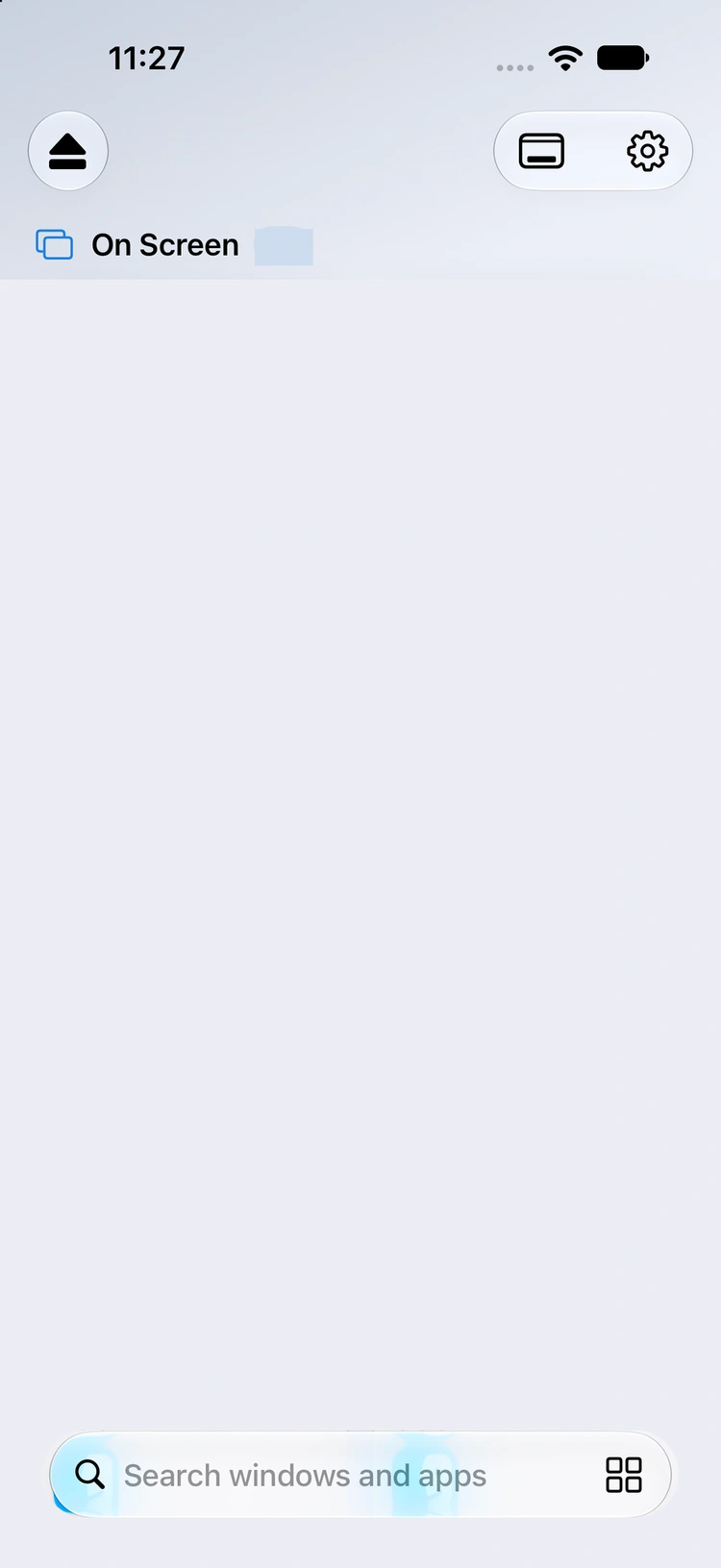
Your Mac Connected · 3 windows
3
 heron — claudeTerminal
 Heron — Local PreviewSafari
 sevgjanFinder
Heron brings one Mac window to your iPhone. Tap, scroll and type as if you were there. Put it back when you’re done.
Made for iPhone. At home on iPad.
Features
See what’s open on your Mac, then pick it up. Search when there are a lot.
heron — claudeTerminalHeron — Local PreviewSafarisevgjanFinder
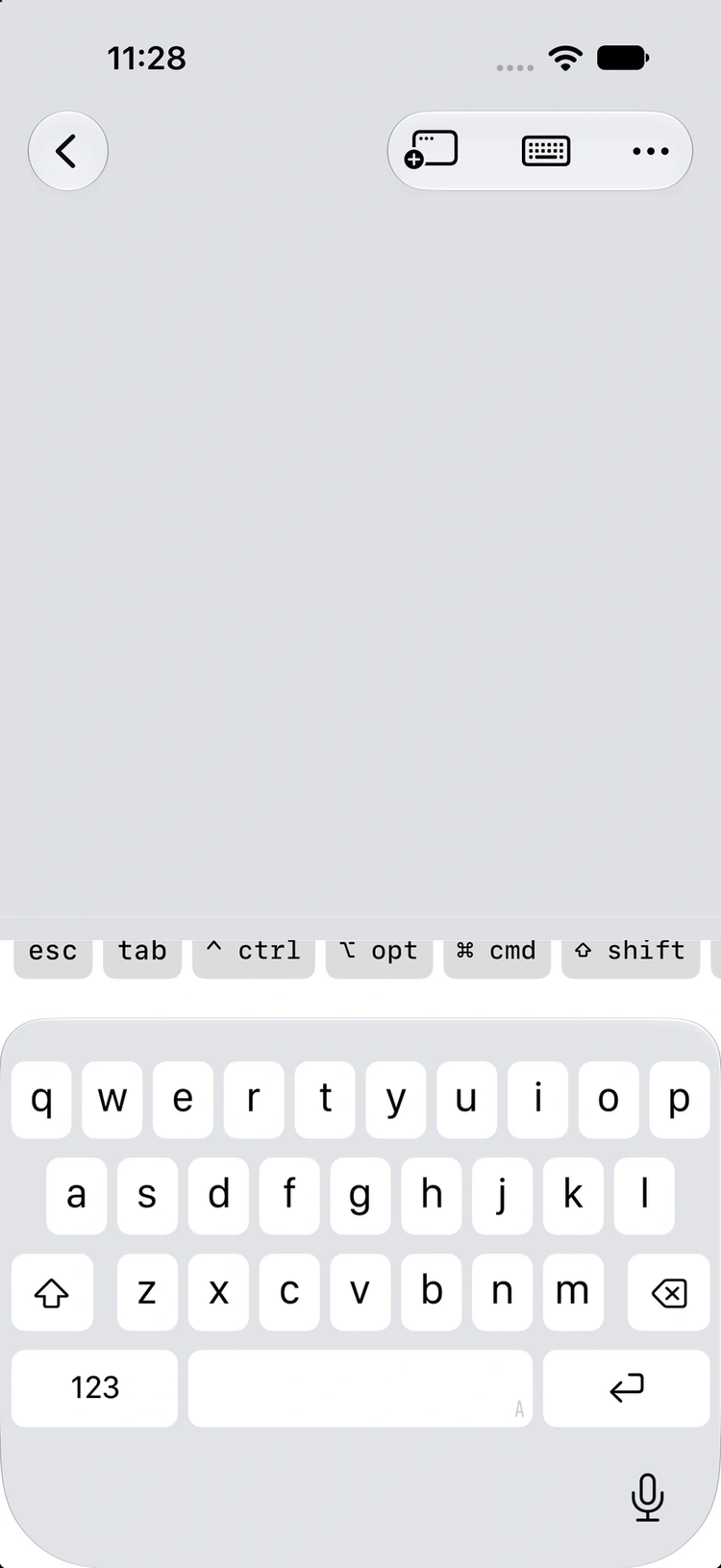
Watch one agent while you work in another. Only the window you’re using takes your touches; the rest stay live.
Switch with the capsules along the bottom of the screen.
Stream an entire Mac display, cursor and all, when one window isn’t enough.

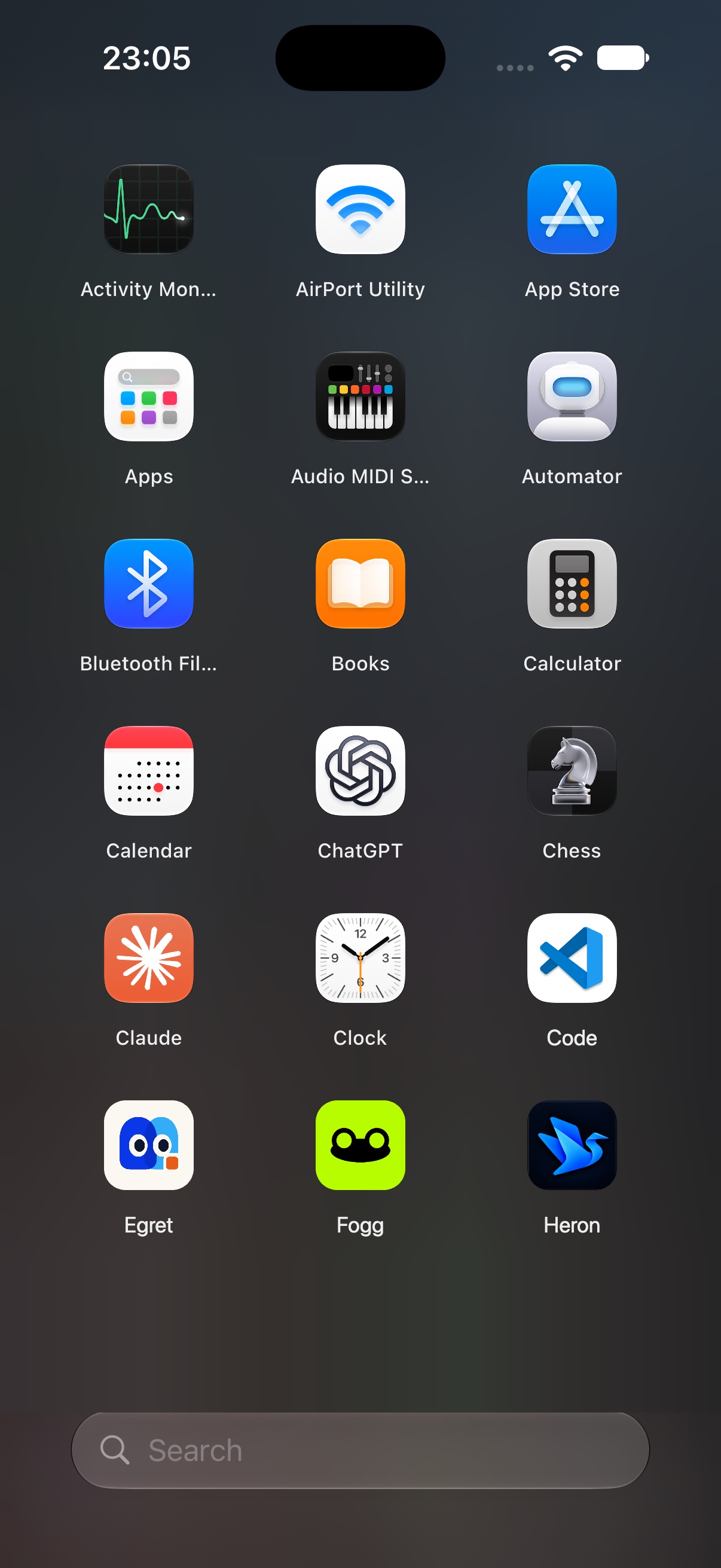
Open an app from a launcher on your iPhone. Its window comes straight to you.
Drag anywhere like a trackpad and a dot shows where the pointer is. Pick its colour and size, or control the Mac’s real cursor instead.
Turn on the scroll strip and drag the right edge. Choose a glass rail or a scroll wheel.
Heron brings one Mac window to your iPhone. Pick it from the list, then tap, scroll and type.
Open Heron on your Mac and scan the code from the menu bar. Approve on your Mac.
Paired with MacBook Pro ✓
Choose any window from the list. It streams live, sharp enough to read code.
Turn on the scroll strip in Settings and drag along the right edge.
Heron brings one Mac window to your iPhone. Pick it from the list, then tap, scroll and type.
Open Heron on your Mac and scan the code from the menu bar. Approve on your Mac.
Paired with MacBook Pro ✓
Choose any window from the list. It streams live, sharp enough to read code.
Turn on the scroll strip in Settings and drag along the right edge.
Speak to your agent
Tap the mic at the start of the key strip and talk. Your words appear as you speak, and go to your Mac only when you tap Send, so nothing half-heard lands in Claude.
Dictation needs iOS 27. Hardware keyboards work too.
iPhone screens are native captures with sample windows. The desktop and layout views are illustrations.
A day with your agent
Coffee. Claude is set up on your Mac and ready to go.
Free and Pro
The Mac companion is free. Pro is an in-app subscription on iPhone and iPad.
| Feature | Free | Pro PRO |
|---|---|---|
| A live Mac window, with touch and keyboard | One at a time | Several at once |
| Layouts: Stage, Split, Grid, As on Mac | — | ✓ |
| The whole desktop | — | ✓ |
| Paired Macs | One | Every Mac you own |
| Agent notifications, with replies | — | ✓ |
| Keep your Mac awake: an hour, four hours, or until you turn it off | ✓ | ✓ |
| Keep it awake with the lid closed | — | ✓ |
| Dictation in the key strip (iOS 27) | ✓ | ✓ |
| App launcher, cursor dot, scroll strip, key strip | ✓ | ✓ |
| Wi-Fi and Tailscale connections | ✓ | ✓ |
iPhone Duo
Illustrations of Heron’s Duo layouts with sample windows.
How it works
One Mac window, hardware-encoded as HEVC and sent straight to your iPhone over an encrypted QUIC link. Your touches and keys travel back the other way.
Heron streams only the window you pick, so the text you care about gets the whole picture. Choose another window from the list any time.
When a frame goes missing, Heron recovers from a long-term reference instead of waiting for a fresh keyframe.
Scan a code to pair. Your devices trust each other by certificate, and every connection is encrypted. No Heron account.
Set up
Heron lives quietly in your Mac’s menu bar.
Pair your iPhone or iPad. Approve on your Mac.
Connect on the same Wi-Fi, or use Tailscale when you’re away. Your Mac needs to be awake and reachable.
No Heron account. Devices pair directly.
Connections are encrypted.
A Mac running macOS 26 or later, and an iPhone or iPad running iOS or iPadOS 26 or later.
One paired Mac, one live window, touch and keyboard control, and connections over Wi-Fi or Tailscale. The Mac companion is free.
Multiple paired Macs, several live windows and workspace layouts, whole-display streaming, agent notifications, and keeping your MacBook awake with the lid closed. Pro is an in-app subscription.
Yes. Set up Tailscale on your Mac and mobile device. Your Mac needs to stay awake and reachable. Nearby, Heron connects directly on the same Wi-Fi.
A little less desk. A little more freedom.
Download links will appear when Heron is available.